Recommended hardware
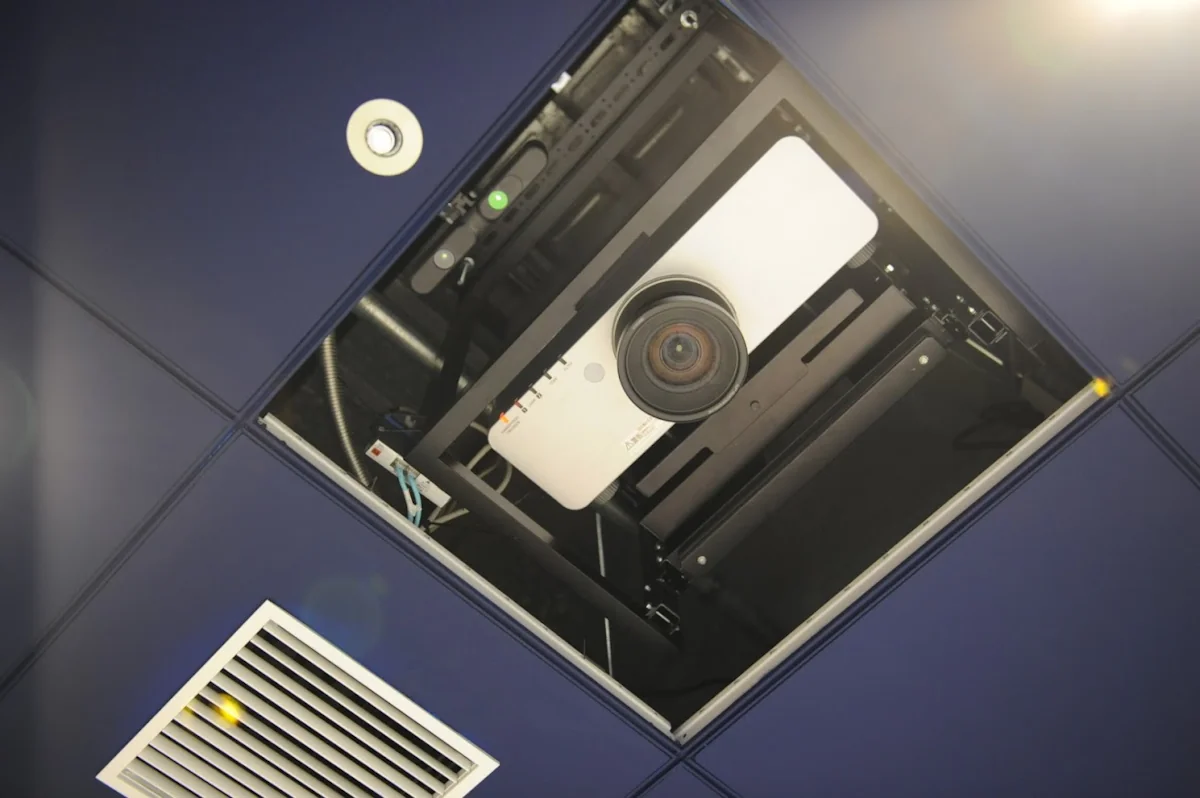
How LUMOplay works
LUMOplay software works with hardware you can easily find locally or online. You can even use equipment you already own!
Choose your equipment
These are products we've tested ourselves. Want to use something else? No problem!
Send us your model number or links to a product page and we'll validate any equipment you're thinking about buying so you can be sure it will work.
Recommended computers
See our computer requirements
Mega Supercomputer
SNUC
The most super of computers.

Recommended 3D cameras
See all supported cameras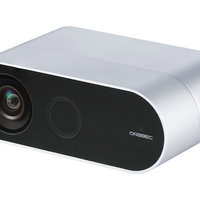
Orbbec 2
HardwareCo
sdafasdf
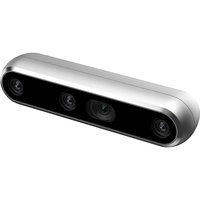
Realsense D5000
SNUC
It's a really cool camera
Accessories
No accessories available at this time.
Not sure what you need? Tell us about your project and we'll help you!
Install your system
Our illustrated setup guides show you how to make an interactive floor or interactive wall for your school, business, or event and make it easy to hire a local installer if you need help.
Download and install LUMOplay
Before you install LUMOplay, make sure your computer meets or exceeds our system requirements.